


Re-Labeling: how to best manage variable data printing
In various sectors from Retail to Manufacturing through Logistics, re-labeling of products or packaging is a process that requires long times and is often subject to errors or inaccuracies.
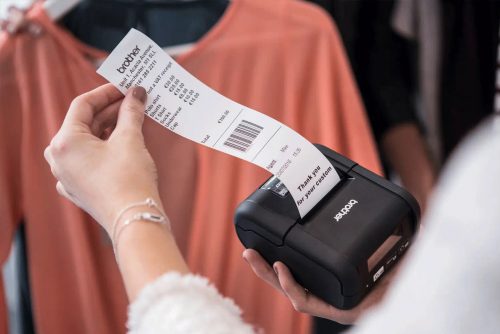
In the Retail sector, re-labeling products in the presence of sales and special offers is still often done today with manual operations that require a “forced” passage through the management system to modify the variable data of each product and re-apply the updated label.
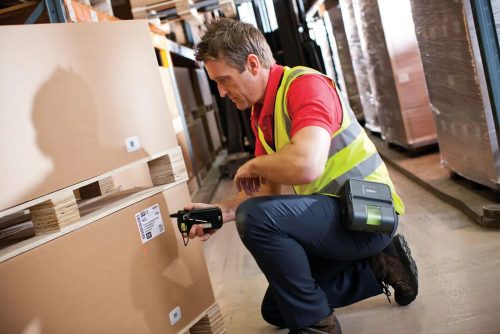
In the Manufacturing and Logistics sectors, the need to re-label products is linked to the arrival of goods that are naturally labeled with the supplier code and need to be re-adapted to plant processes with the assignment of internally readable codes. Procedures that keep operators busy causing inefficiencies and a consequent increase in costs.
Letizia May, SPS Business Developer at Brother Italia explains how it is now possible to speed up and optimize re-labeling processes:
Letizia May, SPS Business Developer at Brother Italia explains how it is now possible to speed up and optimize re-labeling processes:
“By pairing a barcode reader with our RJ series portable printers, it is possible to reprint labels near the product, optimizing the process in terms of time and errors. Brother’s RJ portable printers can store both label layouts and a database in Excel or CSV format, which must report the product code and the variable data to be shown on the label associated with that product code. In this way, the operator simply needs to scan the barcode of the product to be re-labeled and the printer will automatically match the read code with the code in the stored database, printing the label that will show the variable data. This process is really very simple also because it is not tied to the customer’s management system: just create an Excel or CSV file and transfer it to the printer via a Brother App”